1
Create
Name your
group.
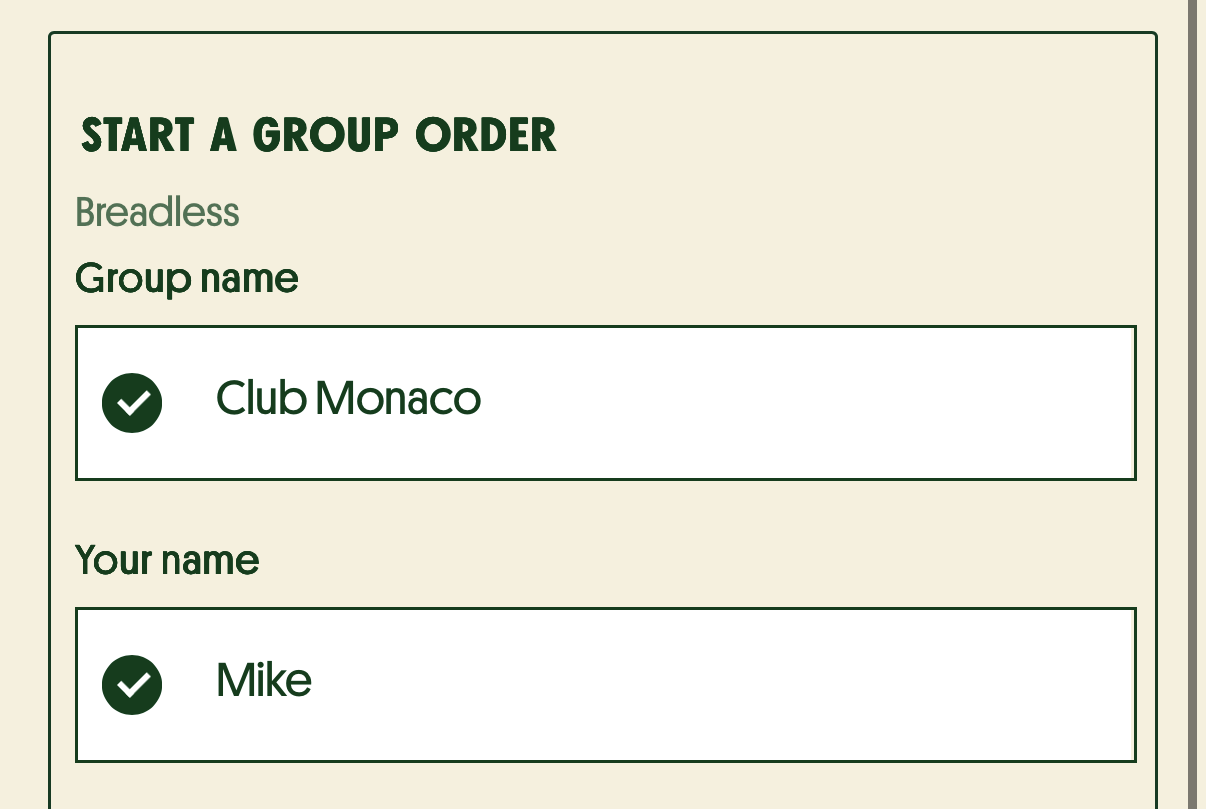
Give your group a name. Make it funny, keep it simple, or get creative — it's totally up to you.
Custom Group Names
Instant Setup
No Account Required
Whether it's an office manager ordering for the team or a group of friends planning a meal — Group Ordering makes it effortless. Share a link, let everyone pick what they want, and even split the bill.
Five simple steps from start to table. No downloads, no sign-ups required for guests.
Give your group a name. Make it funny, keep it simple, or get creative — it's totally up to you.
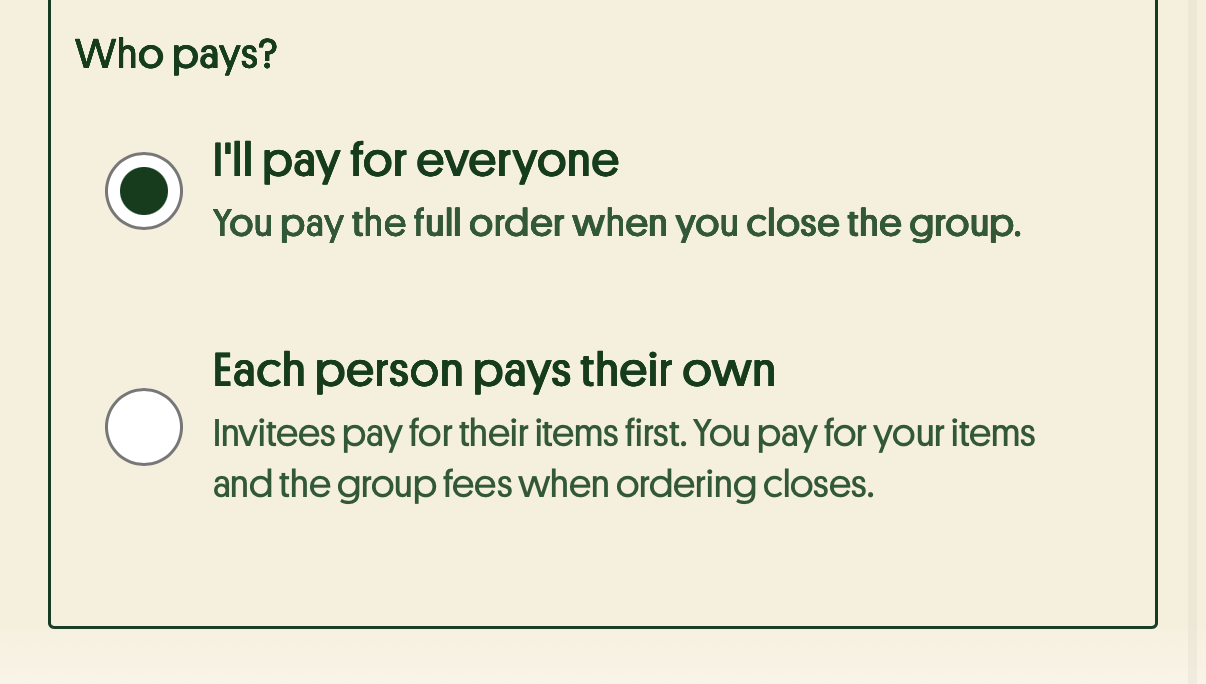
You're in control. Pay for the whole group, or let everyone pay for their own order. Either way, checkout is seamless.
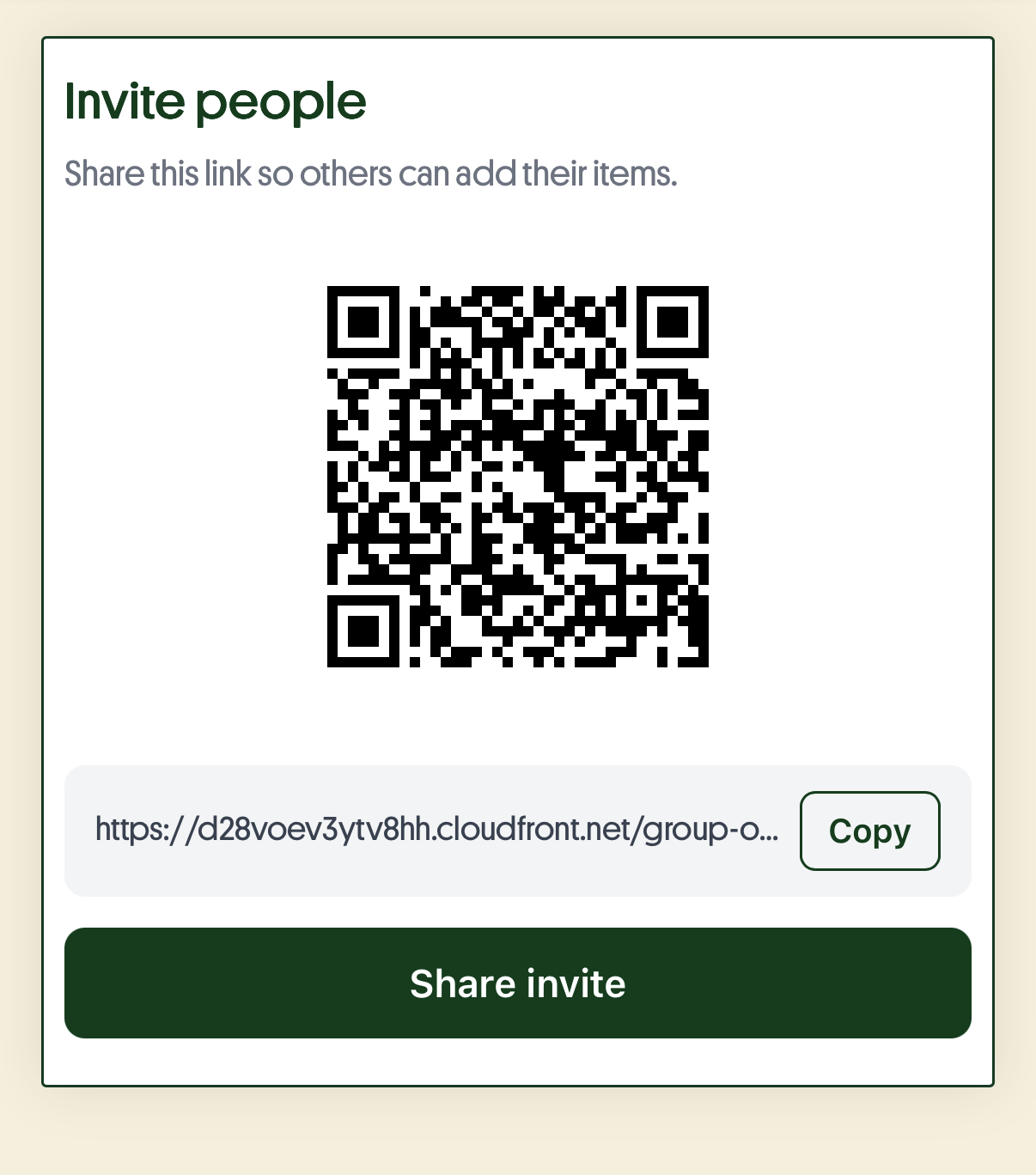
Share your group with friends, family, or coworkers via WhatsApp, SMS, or a QR code. One tap and they're in.
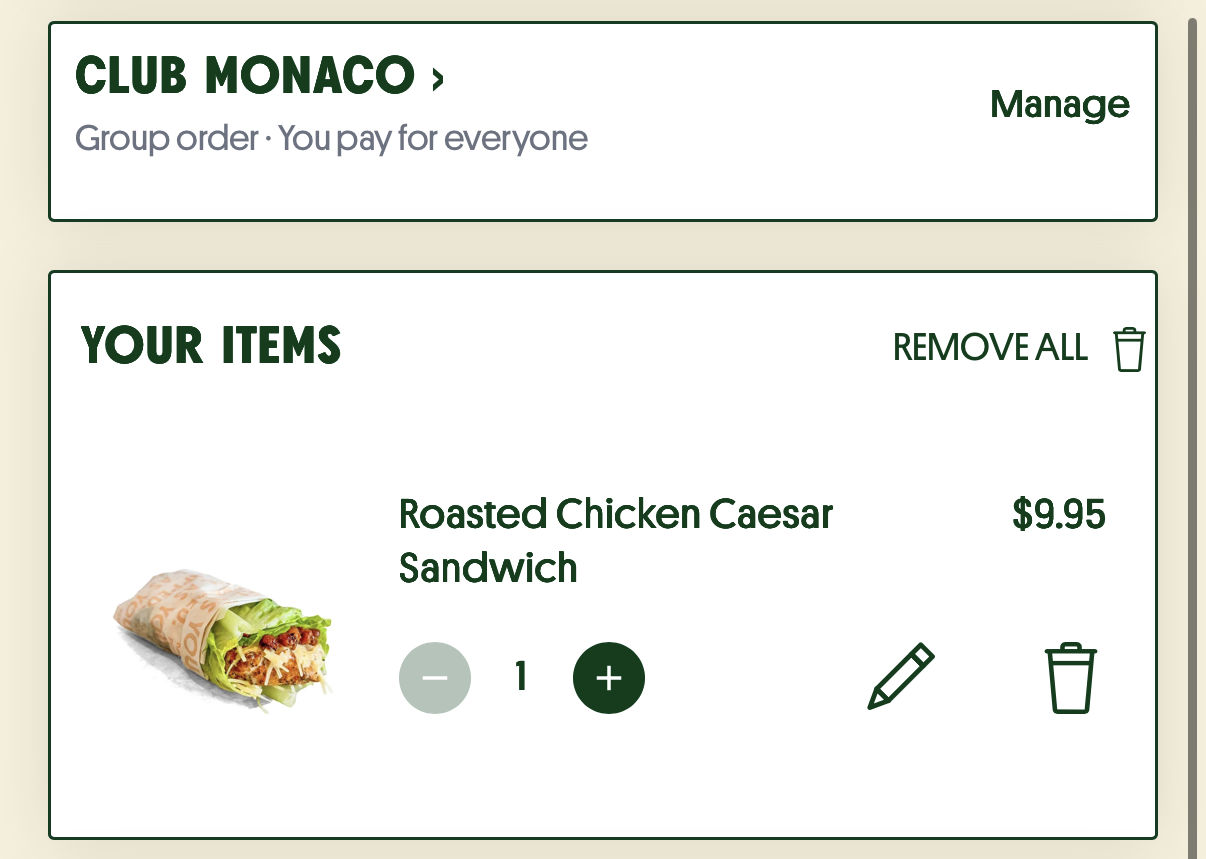
Each person browses the menu and adds their favorites to their own bag. If everyone is paying separately, they can check out and pay for their own items.
Everyone ready? Close the group order and send it to the restaurant. That's it — one group order, made easy.
From office lunches to family dinners, Group Ordering fits right in.
The office manager shares a link, everyone picks their meal, and lunch arrives as one order. No more spreadsheets or group texts.
Planning dinner with friends? Everyone browses the menu on their own phone and pays for themselves. No awkward bill-splitting at the table.
Game day watch party or team celebration? One person creates the order, the whole group adds to it. Easy food for any gathering.
Give your guests the group ordering experience they'll love. One group, one order, zero hassle.
No. Guests can join via a shared link or QR code — no app download or account required. They simply open the link, browse the menu, and add their items.
Yes. The group organizer chooses the payment method at setup — either paying for the entire group or letting each person pay individually at checkout.
There's no hard limit. Group ordering is designed to handle office lunches of 5 people or team events of 50+. The restaurant receives one consolidated order regardless of group size.
Once the organizer closes the group order, it's submitted as a single consolidated order to the restaurant's POS system — just like any other online order. No extra steps for kitchen staff.
Absolutely. Group ordering is ideal for catering — let everyone choose their own meal while the organizer controls the budget and timing. It works seamlessly for recurring corporate orders too.